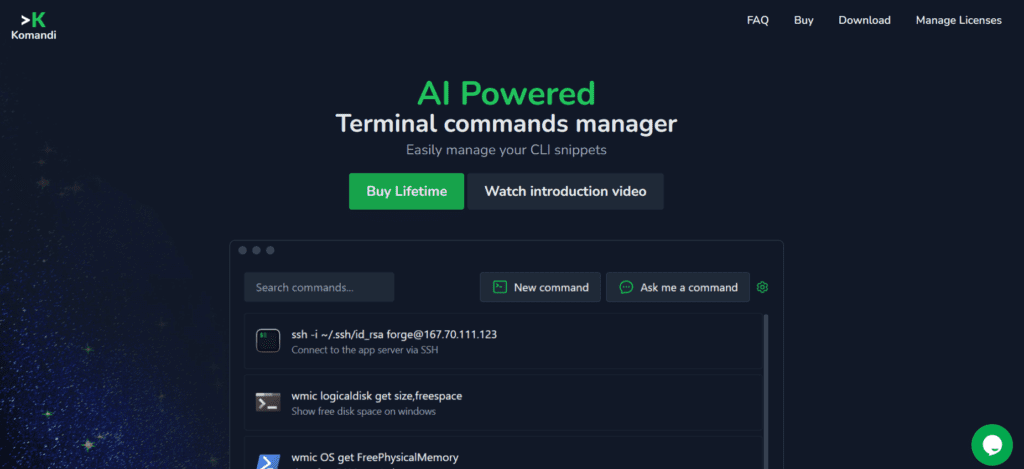
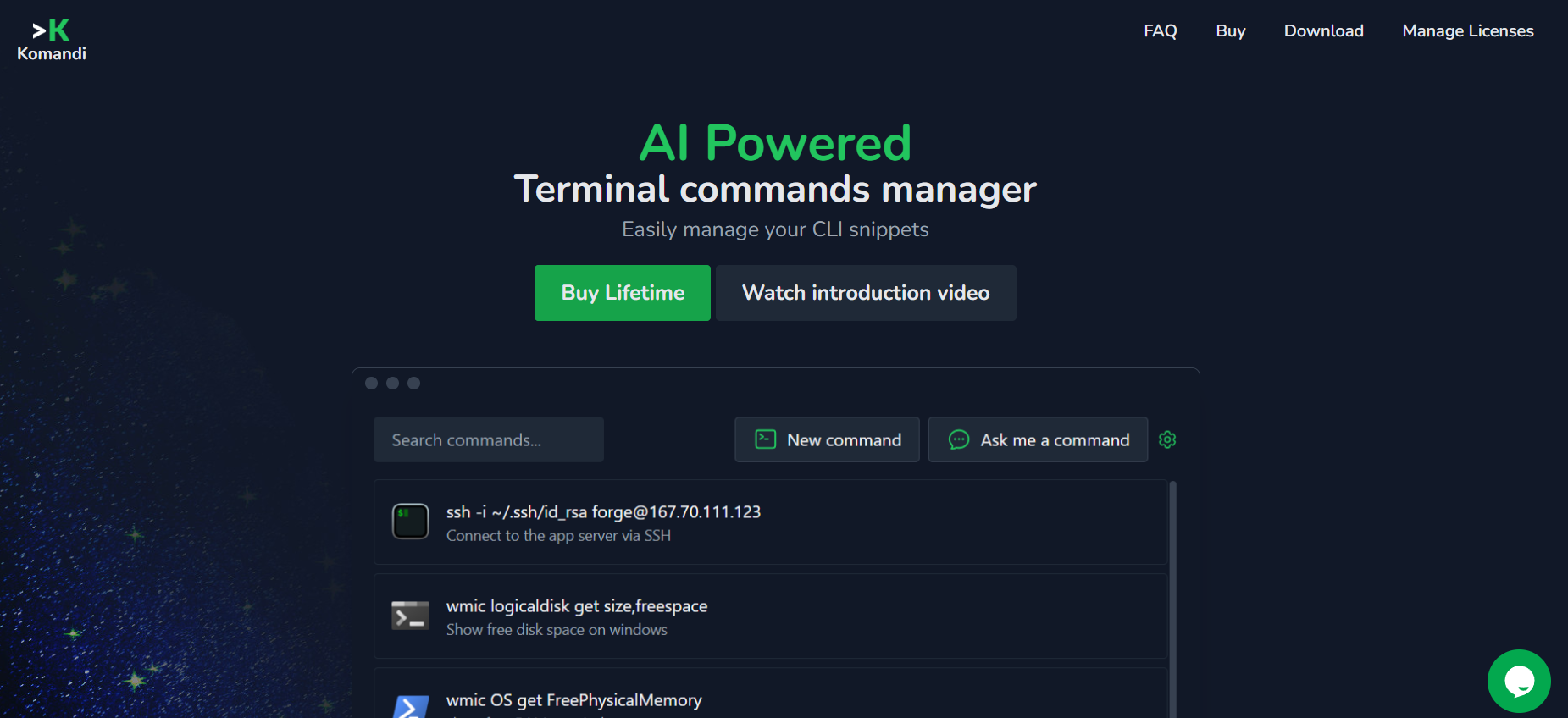
Komandi is a powerful command-line interface (CLI) tool designed specifically for developers to streamline their workflows and enhance productivity. By integrating various development tools and automating routine tasks, Komandi enables developers to manage projects, code, and deployments more efficiently from the terminal. Its robust feature set supports a wide range of development activities, making it an essential tool for both solo developers and development teams. With Komandi, you can simplify complex processes, improve code quality, and accelerate your development cycles.
Features of Komandi:
- Task automation: Automate repetitive tasks and commands, reducing manual effort and minimizing errors in your workflow.
- Project management: Manage and navigate through multiple projects with ease, using commands to switch contexts and handle project-specific tasks.
- Integration with development tools: Integrate with popular development tools and services, such as Git, Docker, and CI/CD pipelines, to streamline your development process.
- Code management: Efficiently handle code repositories, including cloning, committing, pushing, and merging code changes directly from the terminal.
- Deployment management: Simplify deployment processes with commands that manage build and deployment scripts, ensuring consistent and reliable releases.
- Customizable commands: Create custom commands and aliases tailored to your specific workflow needs, enhancing efficiency and productivity.
- Environment management: Manage development environments, including setting up and switching between different configurations and dependencies.
- Real-time collaboration: Collaborate with team members through shared commands and scripts, ensuring everyone stays on the same page.
- Error handling and logging: Automatically handle errors and maintain logs of command executions, aiding in debugging and monitoring.
- Documentation generation: Generate and maintain project documentation using built-in commands, keeping your documentation up-to-date and accessible.
Use Cases of Komandi:
- Software developers: Streamline coding, testing, and deployment workflows, enhancing productivity and reducing time spent on routine tasks.
- DevOps engineers: Automate infrastructure management, deployment pipelines, and system monitoring tasks to ensure smooth and reliable operations.
- Project managers: Oversee multiple projects and teams, using commands to track progress, manage tasks, and coordinate efforts effectively.
- Open source contributors: Efficiently handle contributions to open source projects, including managing forks, branches, and pull requests.
- Freelancers: Manage client projects and tasks from the command line, improving organization and ensuring timely delivery of work.